Orders made simple,
from chat to checkout.
Give customers an easy way to order from your menu. Bring QR, link, and Messenger orders together so you can focus on running your store.
Made for small stores with a menu or catalog.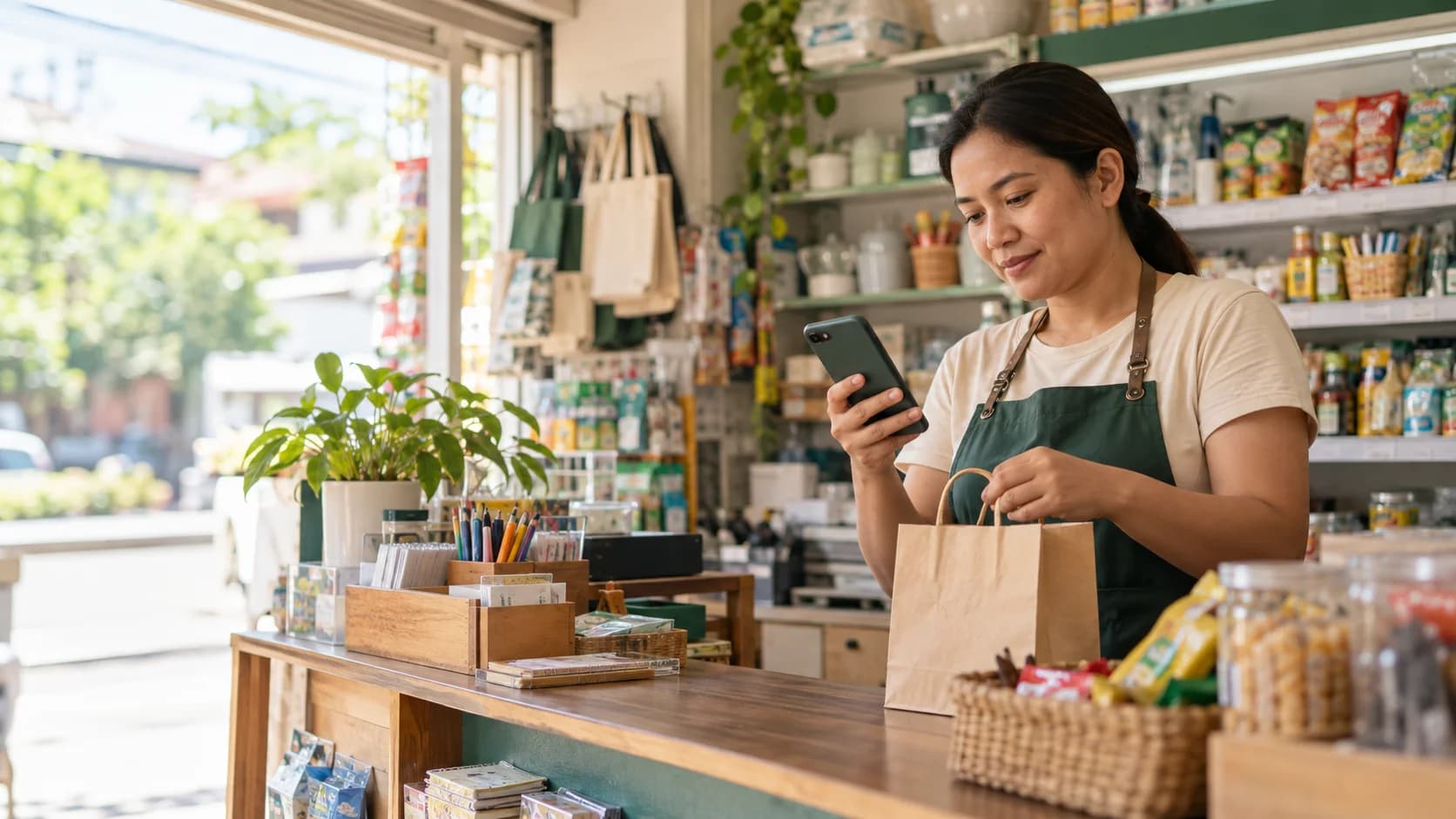
One clear path, from first tap to fulfilled order.
PasaOrder keeps the everyday parts of taking orders connected, without making your store learn a complicated system.
Make your menu yours.
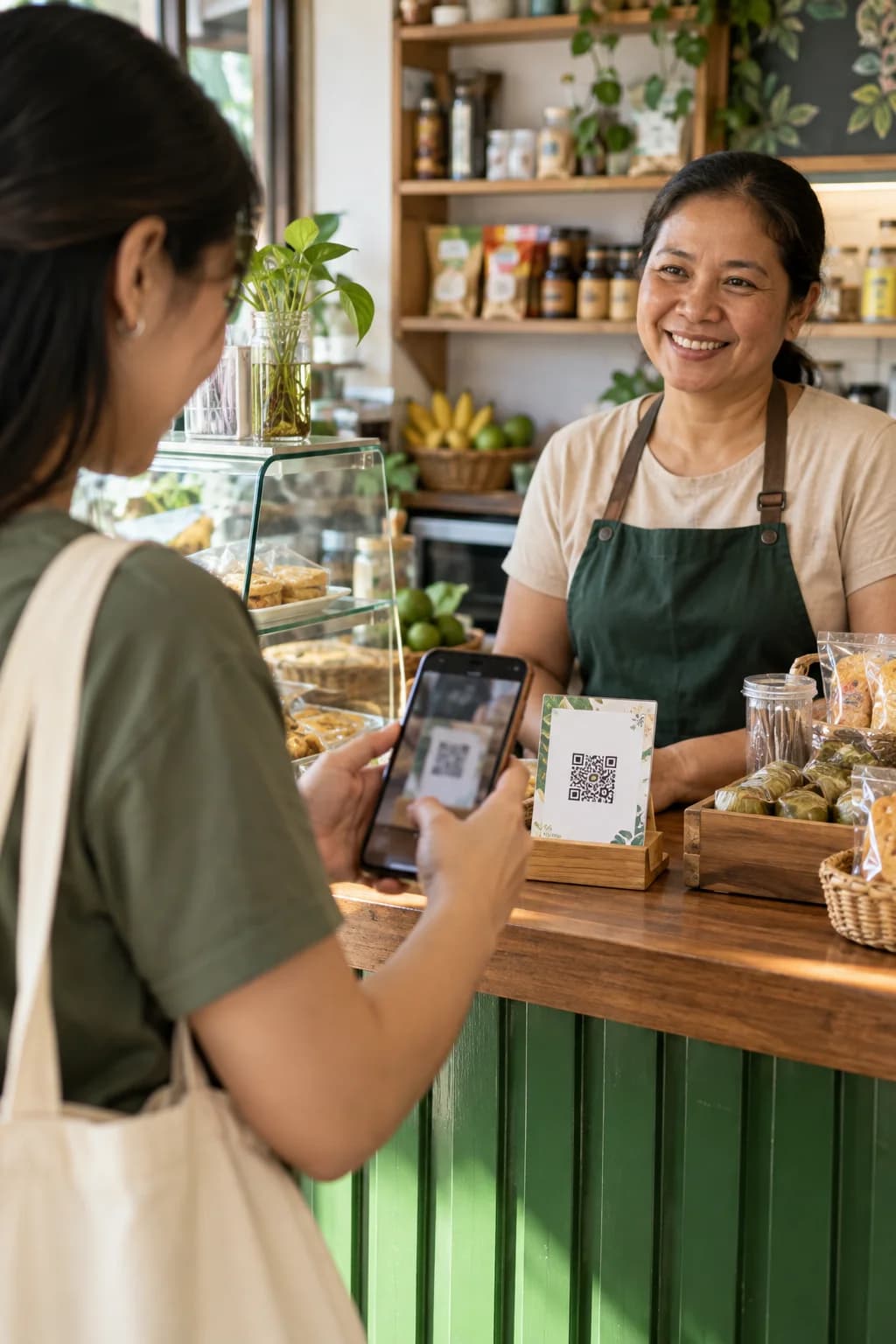
Add products, prices, and photos. Publish a menu that feels like your store, with a link and QR code ready to share.
Let customers order their way.
Customers can order from your menu for pickup, delivery, or dine-in. They can choose cash or follow your GCash instructions.
Keep every order moving.
See new orders, confirm the details, and move each one from preparing to ready in your store workspace.
When an order starts in Messenger, it still belongs with your orders.
Connect your Facebook Page to see customer conversations in PasaOrder. Possible orders are surfaced for review; assisted extraction prepares an editable draft. You check the items and confirm the order yourself.
The conversation
A customer asks, chooses, and places an order in Messenger.
Hi po! Available pa yung soy candle?
Yes po, available pa.
Sige, 2 candles and 1 gift bag. Pickup po this afternoon.
Fictional example. No real customer conversation or order is shown.
A simpler day starts with one place for orders.
Set up your store, share your menu, and keep things moving.